Skip to product information
1 of 1

Microsoft

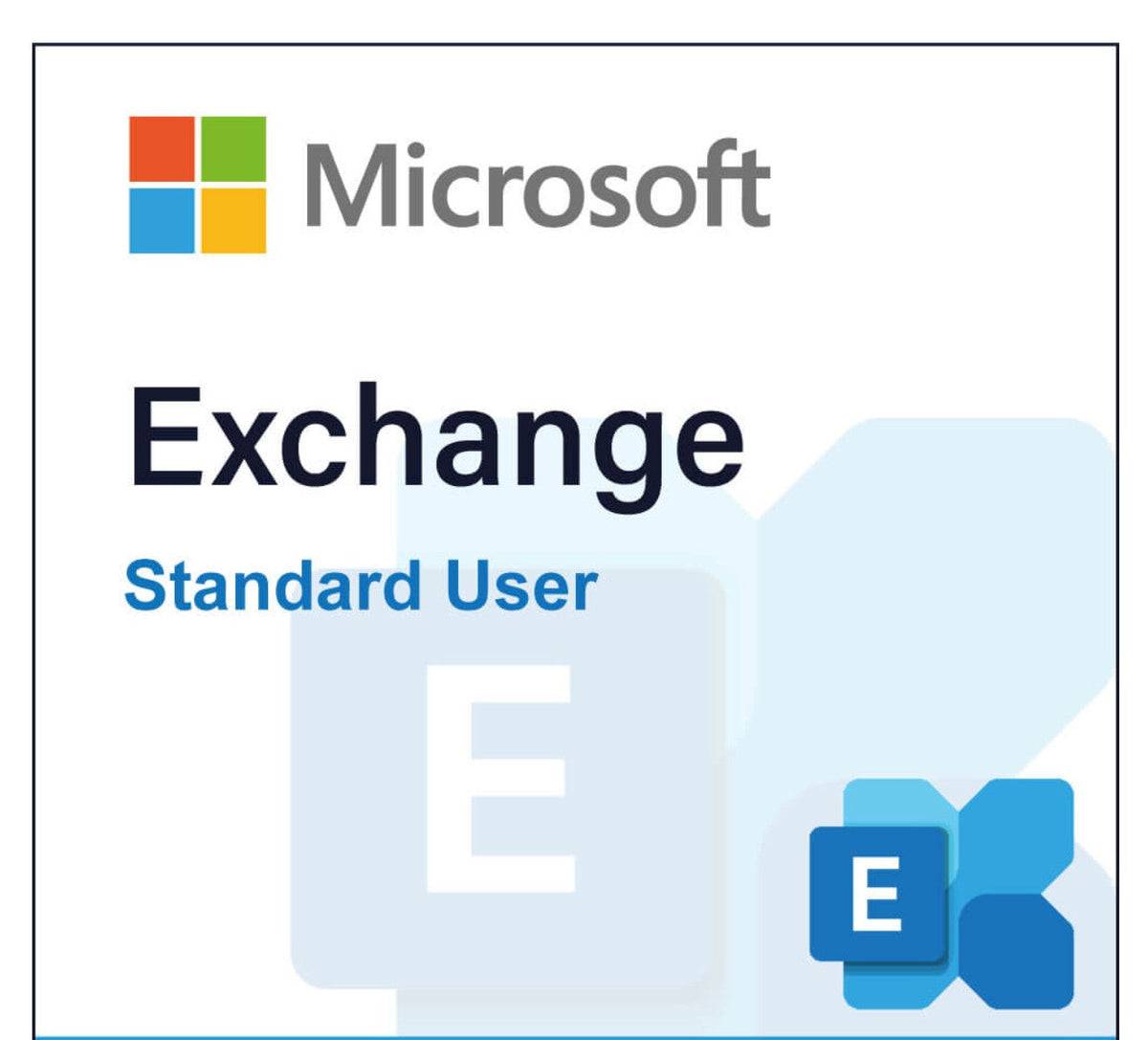
Microsoft Exchange Server SE CAL Standard User

Microsoft Exchange Server SE CAL Standard User

Regular price €149,00 EUR
Regular price Sale price €149,00 EUR
Sale Sold out
Taxes included. Shipping calculated at checkout.
Quantity

Payment methods

  • American Express
  • Apple Pay
  • Google Pay
  • Klarna
  • Maestro
  • Mastercard
  • PayPal
  • Shop Pay
  • Union Pay
  • Visa

Available payment methods at checkout.

Shop reviews

View full details

Licensing explained

Product details at a glance

The key details before you get started.

Please check the product description and licensing information for details about this product.

Description & system requirements

Microsoft Exchange Server SE CAL – Efficient Licensing for Your Company

With the Microsoft Exchange Server SE CAL, you create the foundation for modern and secure communication in your company. This licensing form is aimed at companies that want to specifically control individual user access to the Exchange Server environment while simultaneously using a flexible, future-proof solution. Thanks to the User CALs, every employee is equipped with the necessary rights to work efficiently with emails, calendars, and contacts – regardless of the device used.


Product Manufacturer/ EU Responsible Person
Microsoft Deutschland GmbH
Walter-Gropius-Straße 5
80807 Munich
Germany
m.vertrieb@it-hardpulse.com
Software information

We only sell genuine software, including licenses, VL keys, and OEM keys.

Office 2016/2019/2021/2024PP as well as Standard are VL keys. These come from our Microsoft contracts 99% of the time. Unless otherwise indicated, all Windows licenses are also VL keys.


  • Software: New, VL key LTSC,
  •  OV-NL Windows Enterprise Device Upg/SA 3Y AqY1 AP

     OV-NL Office ProPlus LIC/SA 3Y AqY1 AP SL

  • Invoice with VAT shown immediately after the ordering process
  • Language: German
  • You will not receive any media or license, DVD, or COA by mail, but exclusively the VL LTSC product key by email, as well as the software download.
  • You can find the current Microsoft product terms here.
  • Activation is not possible via www.setup/office.com or Redeem; you will receive instructions or download the Microsoft Development Tool for Office.
    • Activation is done online or by phone if online activation does not work.
    • IMPORTANT
    • If you receive the message,  "cannot be activated because the limit has been reached," please activate by phone or write us an email.
  • If Teams was not installed (after the Office installation), this may be due to Copilot, as it does not support Teams. Please download Teams separately here:  Teams  One Note cannot be linked with an existing account. 
  • Activation must take place within 30 days of purchase

Windows Upgrade IMPORTANT

    • For existing Windows 7/8/10 installations, you must perform a clean installation; no upgrade is possible.


MAC

    • You will not receive any media, DVD, or COA by mail, but exclusively the  VL software by email, as well as the software download. You will not receive a license; activation is provided with the Serializer for one-time activation.
    • An OV-NL Office LIC/SA 3Y AqY1 AP SL Office product is valid for 3 years from purchase
    • You can find the current Microsoft product terms here.

    ·        Activation is not possible via setup/office.com; you will receive instructions or download the Microsoft Development Tool for Office.

    • If you would prefer to purchase a license where you can also view MS Office in your Microsoft account, click here  Office License
    • You may need to create an account. 


Customer reviews

Customer Reviews

Be the first to write a review
0%
(0)
0%
(0)
0%
(0)
0%
(0)
0%
(0)

How to buy your software

  1. 01

    Choose the right licence

    Compare editions, platforms and licence details.

  2. 02

    Receive your key & download

    Delivery is by email, depending on the product.

  3. 03

    Install & activate

    Follow the instructions or ask our support team.